What to Check Before You Buy a Website Template

I have bought templates that turned out great, and I have bought a few duds. The duds taught me more.
One of them looked stunning in the screenshots. Clean, modern, exactly the vibe I wanted. Then I tried to change the heading on the homepage and spent forty minutes hunting through files I did not understand. The photos that made it look so good? Not included. Those were stock images the designer had licensed for the demo only. What I actually received was a lovely shell with grey placeholder boxes where the magic used to be.
So before you spend money, here is what I check now. It takes about fifteen minutes and it has saved me from buyer's remorse more than once.
Open the live demo on your phone first
Not on your laptop. Your phone.
Most people shopping for templates are looking at a big screen, but more than half your visitors will show up on a phone. A template can look polished on desktop and fall apart at 375 pixels wide: text that overflows, buttons stacked in a weird order, a menu that does not open, images cropped so the person's face is gone.
Pull the real demo up on your actual phone and scroll the whole thing. Tap the menu. Tap a button. Try the contact form if there is one. If it feels awkward to you, it will feel awkward to your customers, and no amount of editing later fixes a layout that was never built for small screens.
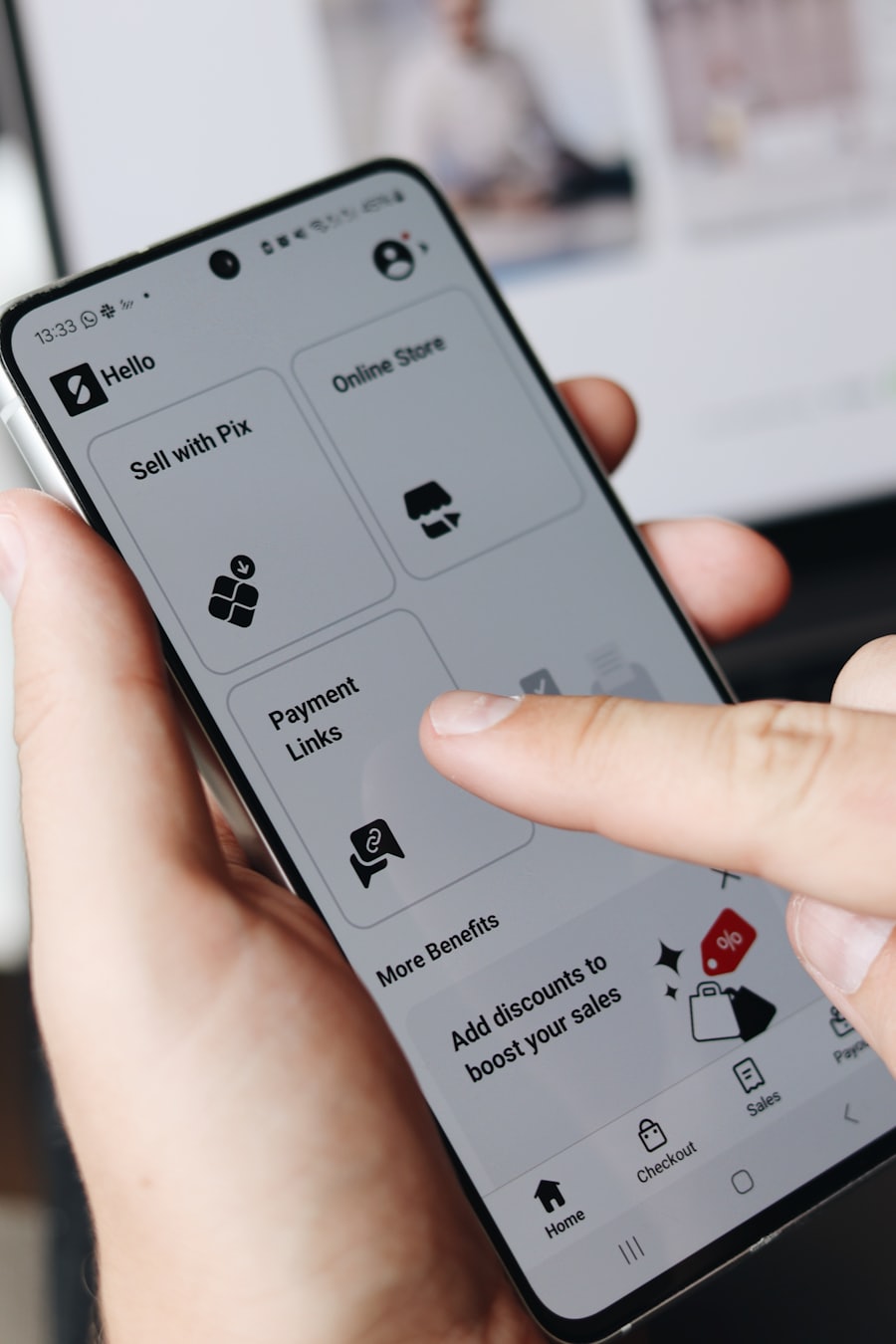
While you are at it, notice how fast the demo loads. If it takes several seconds to appear on your phone with your normal connection, that is a warning sign. Heavy templates stuffed with sliders and video backgrounds tend to stay heavy, and a slow site quietly costs you customers and search ranking. You do not need a fancy tool for this. Just count the seconds.
Work out how much is real and how much is filler
This is the trap that got me.
A demo is a sales pitch. It is dressed up with professional photos, sample content written by someone who knew what they were doing, and features that may or may not come in the file you download. Your job is to figure out what is actually included.
Ask, or read the listing carefully, for these three things:
- Are the demo images included, or licensed separately? Often the good photos are stock the seller paid for once. You get the layout, not the pictures. That is fine if you know going in, but plan to buy or shoot your own.
- How many of the fancy features are functional versus decorative? A booking widget in the demo might be a real integration, or it might be a static picture of one.
- Does it come with the sample content structure, so you can see where everything goes, or an empty template you have to build from scratch?
None of these are dealbreakers. They just change how much work sits between you and a finished site. Know the number before you pay, not after.
Read the boring license part
I skipped this for years. Do not skip it.
The license tells you what you are allowed to do with the template. The big questions: can you use it for a client project, or only for yourself? How many separate websites can you build with one purchase? Some licenses are one site, full stop. Others let you use it as many times as you like.
If you are a freelancer or an agency planning to resell the work, this matters a lot. Using a single-site license across five client projects is a quick way to get an unpleasant email. If you are a business owner building one site for yourself, a standard single license is usually plenty.
Also look at what support and updates you get. A template is code, and code needs occasional fixes when browsers or plugins change. Find out whether the seller answers questions, for how long, and whether updates are free or a renewal. Six months of support beats none, and a template that was last updated three years ago is a template nobody is maintaining.
Try to picture yourself editing it
Here is the test that predicts most of my regret: how hard is it to change the words and swap the images?
You will be editing this thing. Not the designer. You. So before you buy, imagine the most basic task: changing the phone number in the footer, or replacing the hero photo with your own. If you cannot tell from the listing whether that is a two-minute job or a two-hour ordeal, ask the seller directly. A good one will answer plainly.
Templates built on a friendly system (a proper page editor, or a clean structure with clear labels) are a pleasure. Templates that look gorgeous but bury every setting in raw code will fight you every single time you want a small change. Beautiful and unusable is still unusable.
This is also where the platform matters. A Next.js or Astro template gives you speed and control but expects a bit more comfort with code. A WordPress or Shopify theme is friendlier to edit day to day. Pick the one that matches how much you actually want to tinker, not the one with the prettiest demo. I wrote more about matching a template to your real needs in how to choose a template that does not look generic, if you want to think that part through first.
A quick word on where to buy
The reason our own store exists is that we got tired of the guesswork. Every template we list, we open on a phone, check the license terms on, and note whether the demo images ship with it or not. You can filter by what you are actually building, like an online store or a portfolio, instead of scrolling through a thousand options that do not fit.
And if you go through this checklist, find a template you almost like, but keep hitting the same problem (it is close but not quite right, or you are not sure you can maintain it), that is usually the moment to talk to a person. We can adapt a template for you or build something custom. Tell us what you are stuck on over at book a call and we will give you a straight answer about whether a template or a custom build makes more sense for your budget.
Buy carefully. The fifteen minutes you spend testing the demo is a lot cheaper than the weekend you spend fighting a template that was never going to work.
Ready when you are.
Browse vetted templatesGet the next one in your inbox
Occasional, practical notes on building sites that sell. No spam, unsubscribe anytime.
Keep reading

AI Agents That Write Code: What They Do Well and Where They Fail
An honest field report from a studio that uses coding agents every day. Where they genuinely help, where they still fail, and how we keep the wheel.

What AI Will Actually Change in the Next Five Years (and What It Won't)
A grounded take from a small studio on the AI changes that are already real and compounding, and the ones that are mostly noise.